Import from Websites
You can import recipes directly from website links.
To import a recipe:
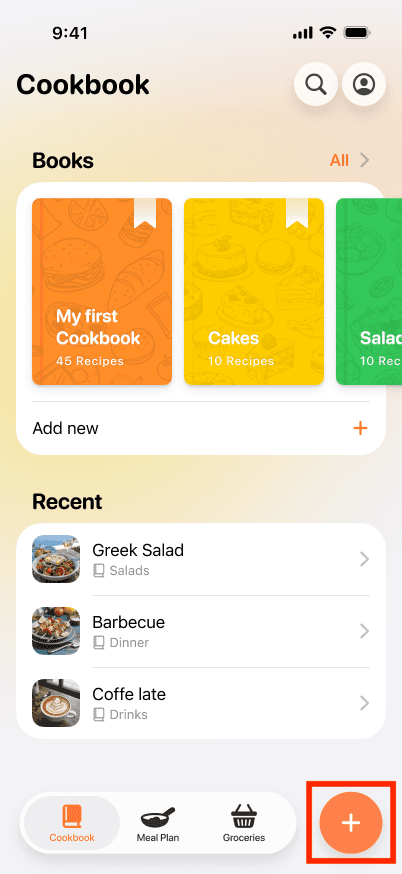
1. Open the Cookan AI app.
2. Tap on the + button at the bottom right.
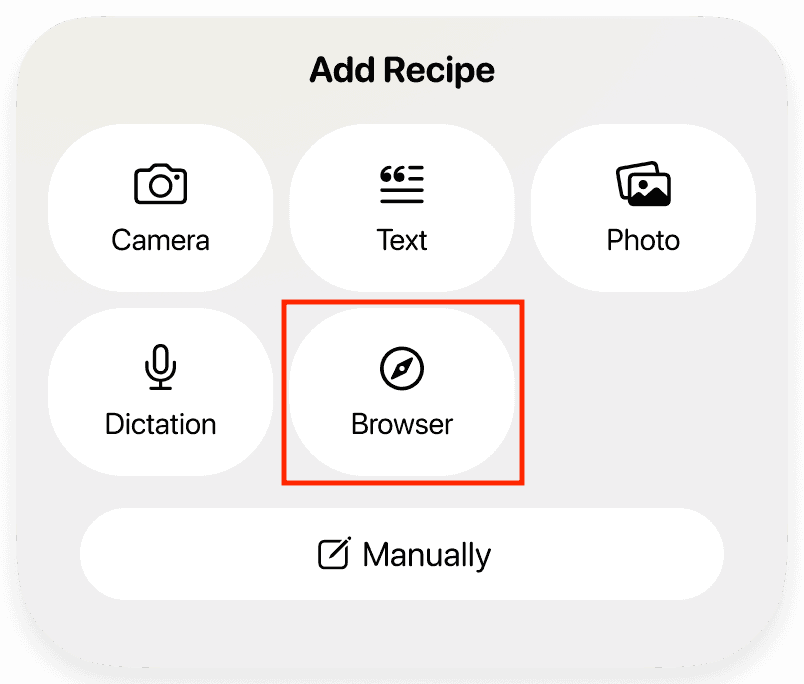
3. Select the Browser option.
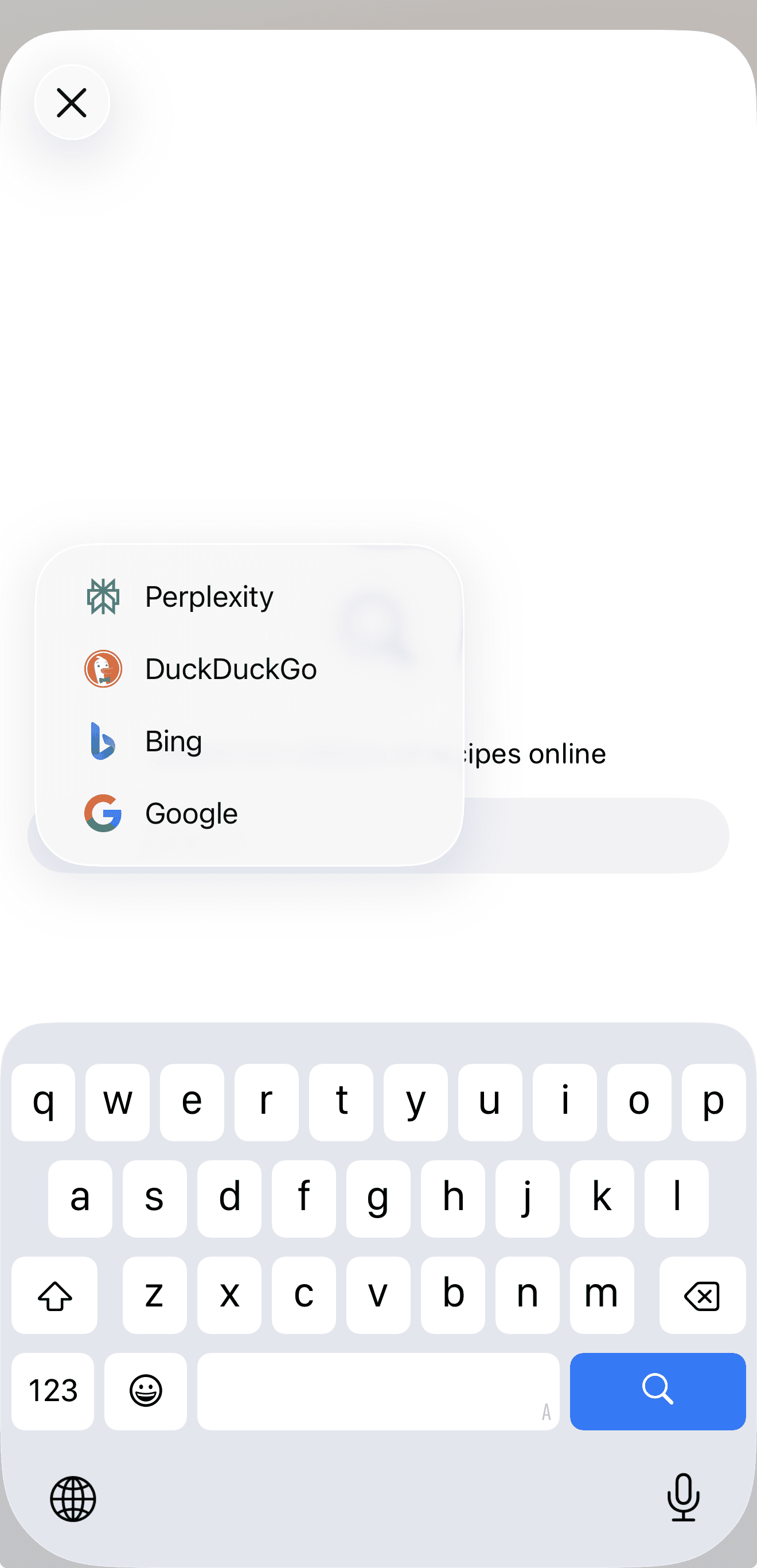
4. Choose a search provider if needed.
5.1. To search for a recipe:
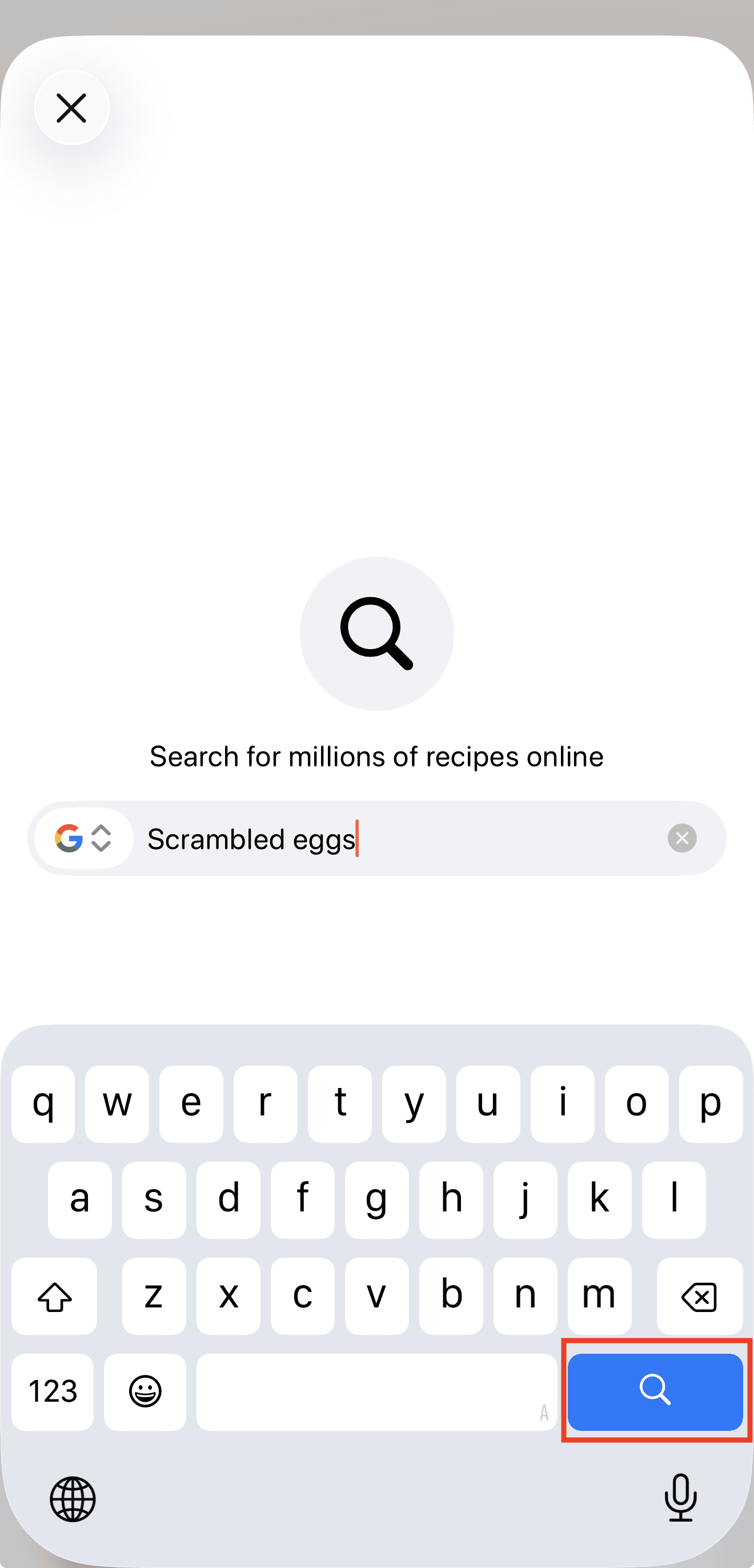
5.1.1. Enter a recipe name or keywords into the search field.
5.1.2. Tap the Search button on the keyboard.
5.1.3. Select a recipe from the search results and tap on it to open its preview.
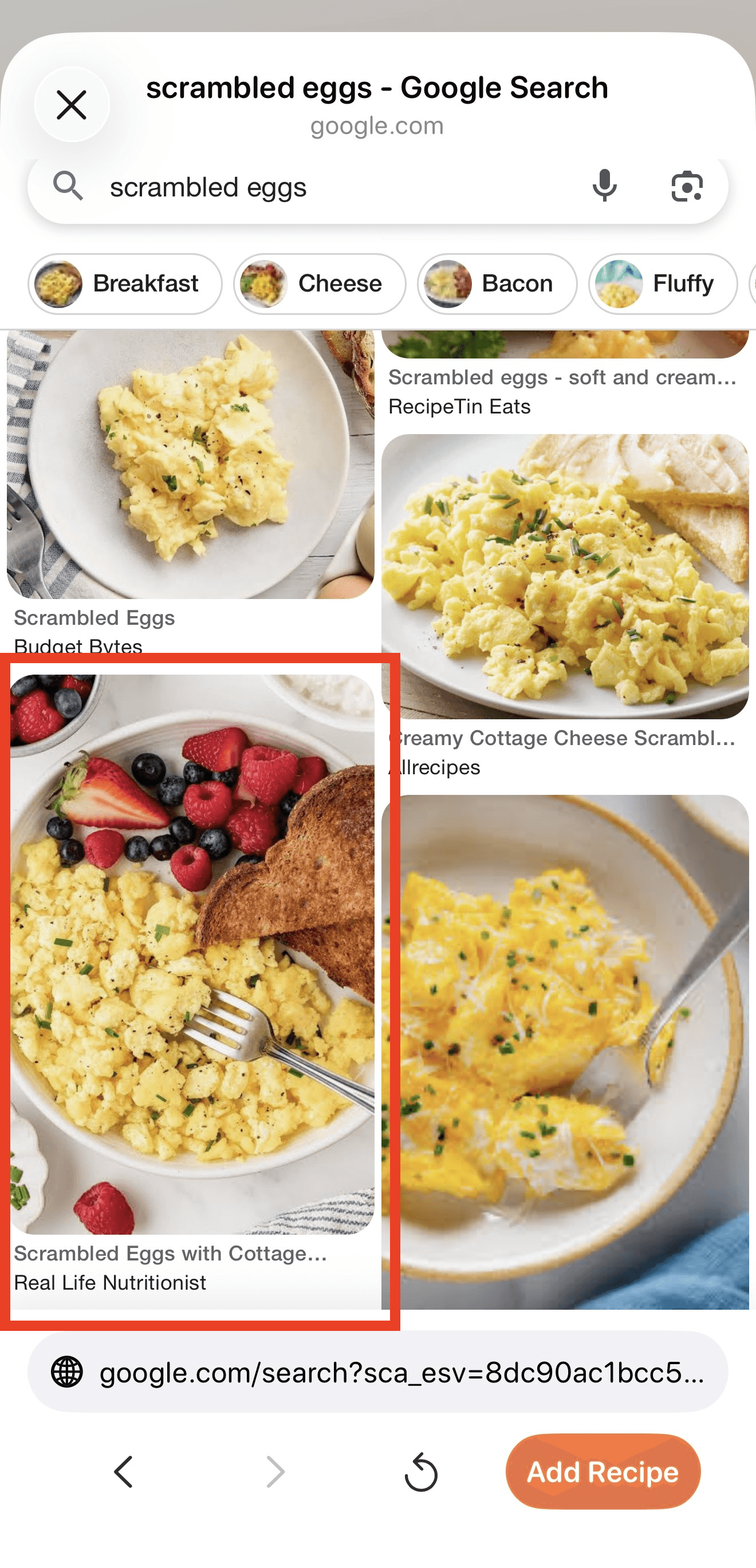
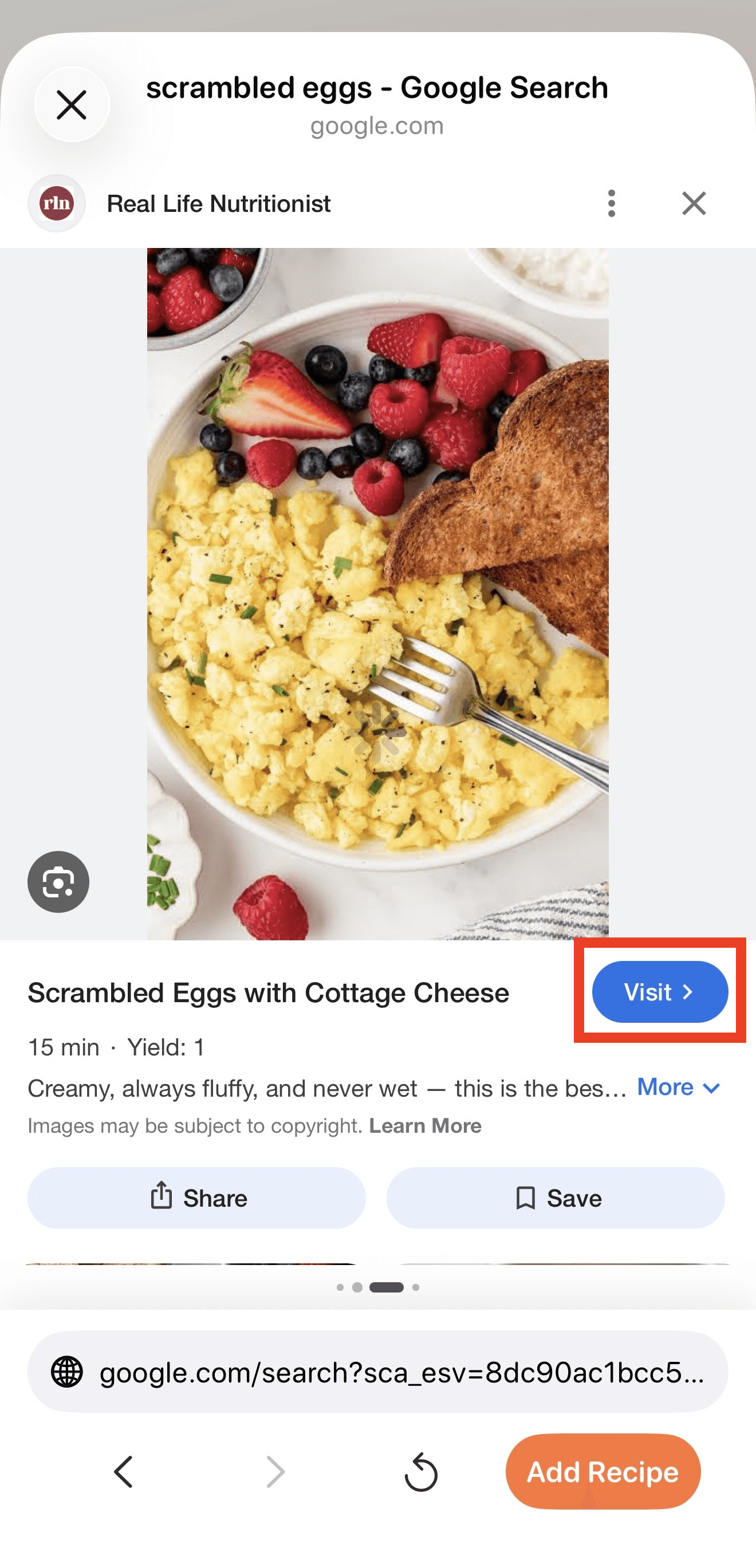
5.1.4. Tap the Visit button to open the recipe page.
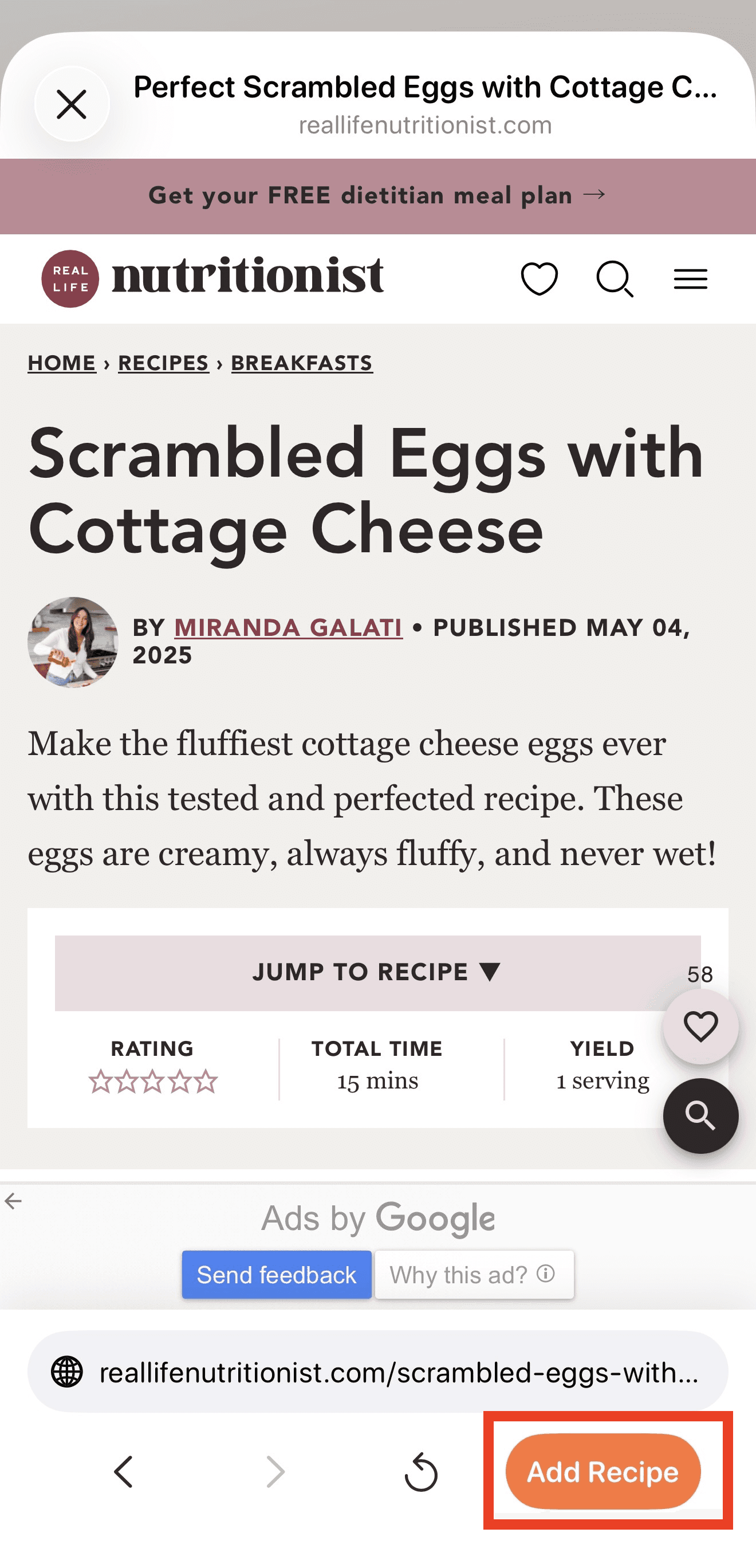
5.1.5. Tap the Add Recipe button to import the recipe into the App.
5.2. To import using a direct link:
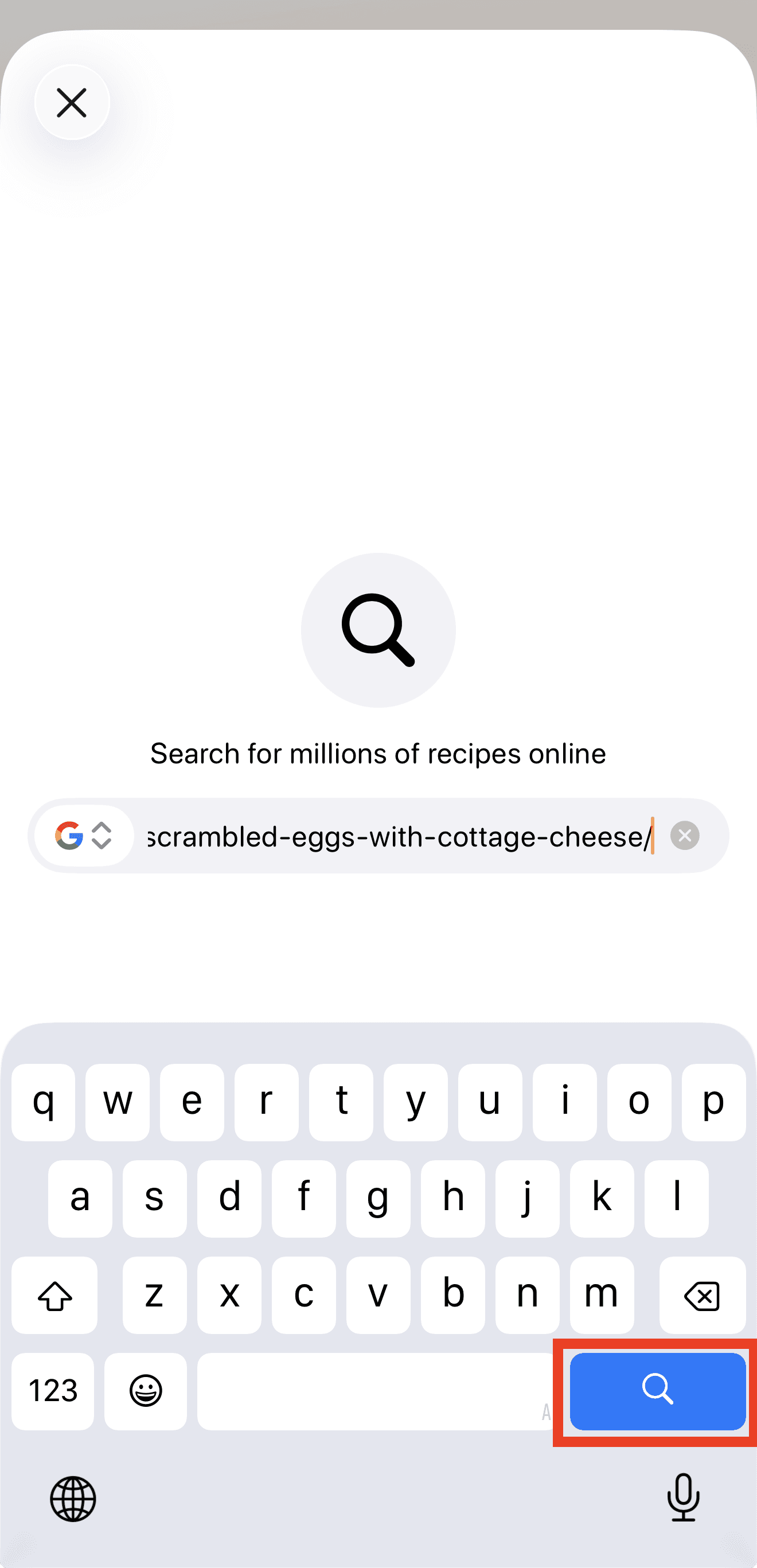
5.2.1. Paste a direct recipe link into the search field.
5.2.2. Tap the Search button on the keyboard.
5.2.3. On the opened recipe page, tap the Add Recipe button to import the recipe into the App.
6. The App will process the link and generate a structured recipe.