Import from Images & Photos
You can import recipes from any images, including screenshots, saved pictures, or photos.
To import a recipe:
1. Open the Cookan AI app.
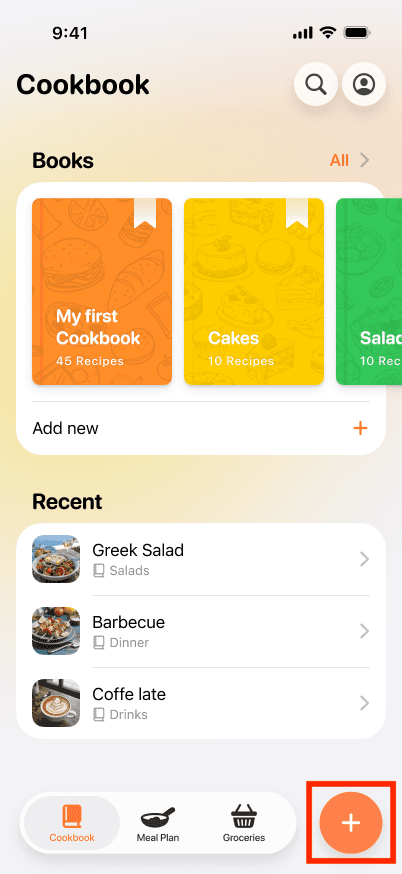
2. Tap on the + button at the bottom right.
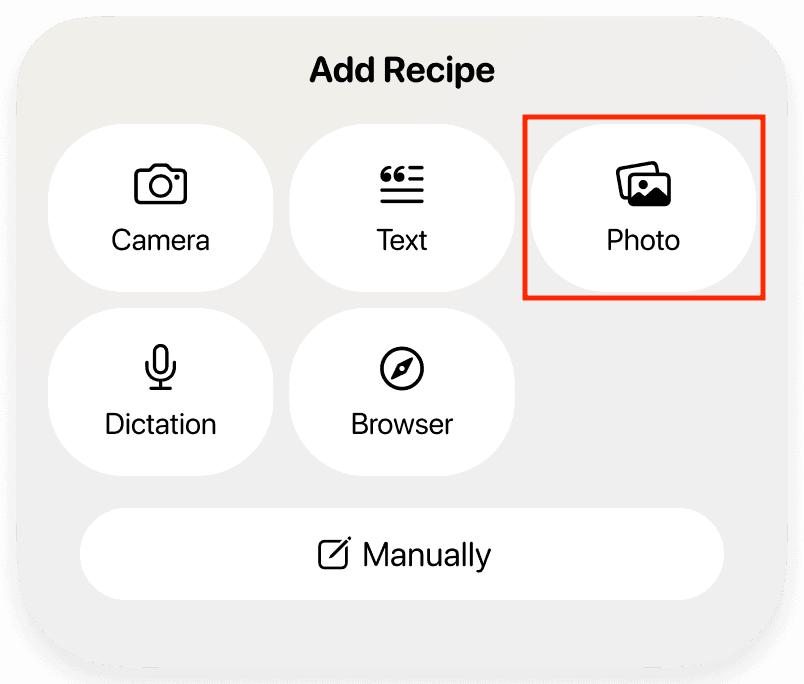
3. Select the Photo option,
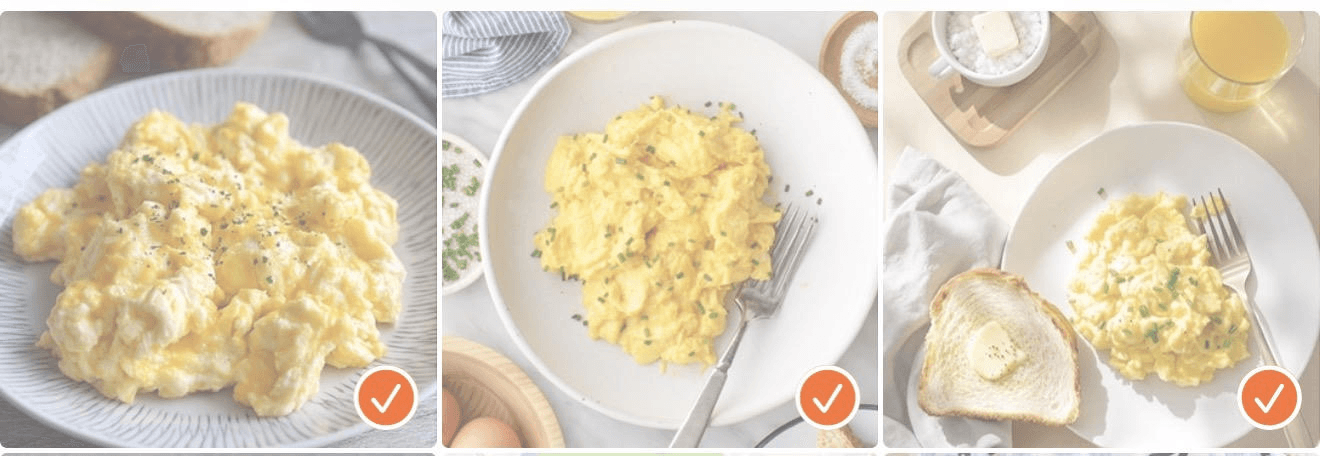
4. Choose up to three images from your gallery that contain a recipe. The order in which you select the images determines how they appear in the recipe. Tap the ✔️ button at the top of the screen when you are done.
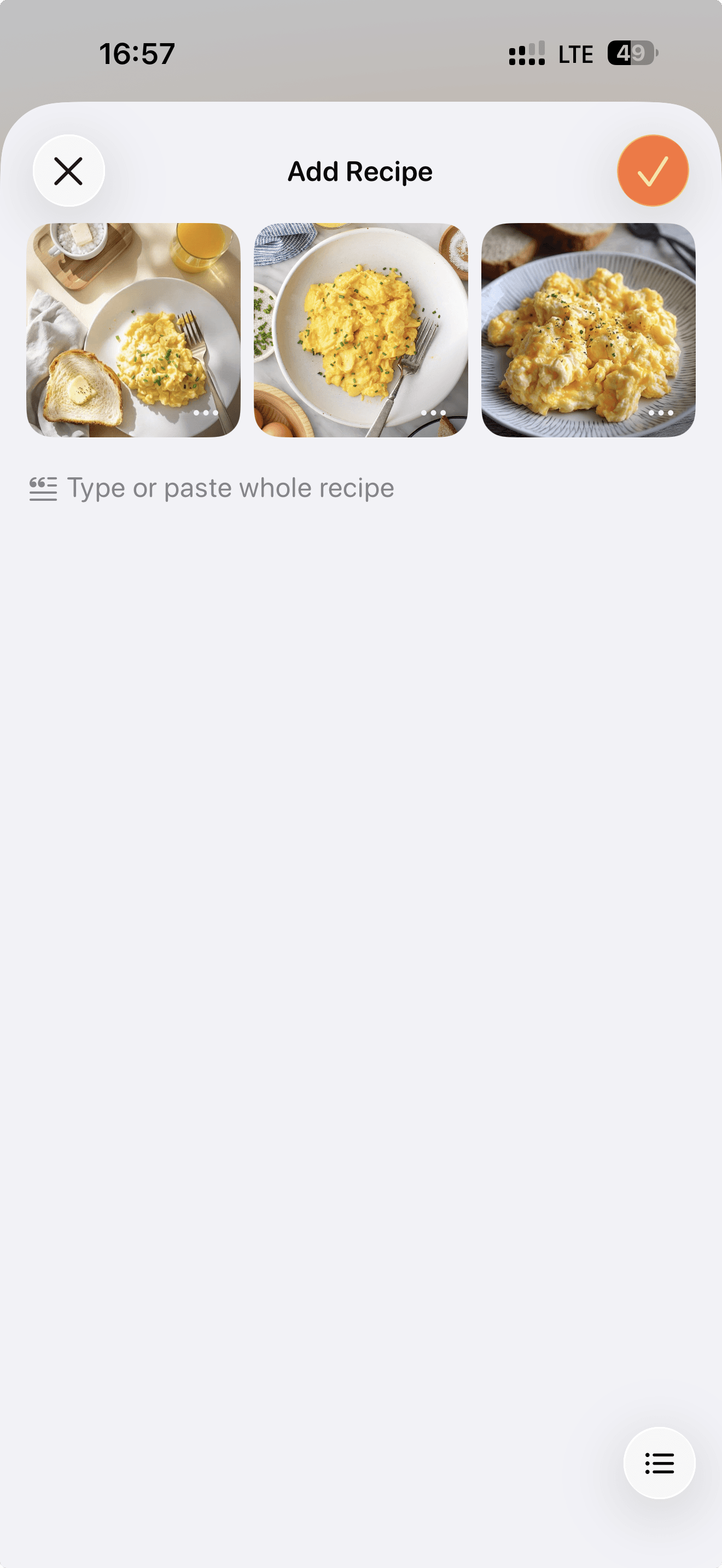
5. Add recipe description under the images if you want to include additional information.
6. Press the ✔️ button at the top of the page to proceed with the recipe.
7. The App will process the images and generate a structured recipe.