Import from Dictation
You can create a recipe by dictating it directly in the App.
To import a recipe:
1. Open the Cookan AI app.
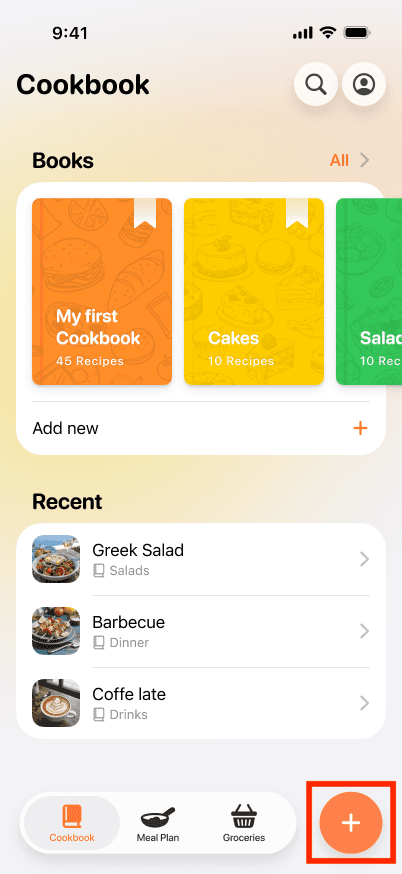
2. Tap on the + button at the bottom right.
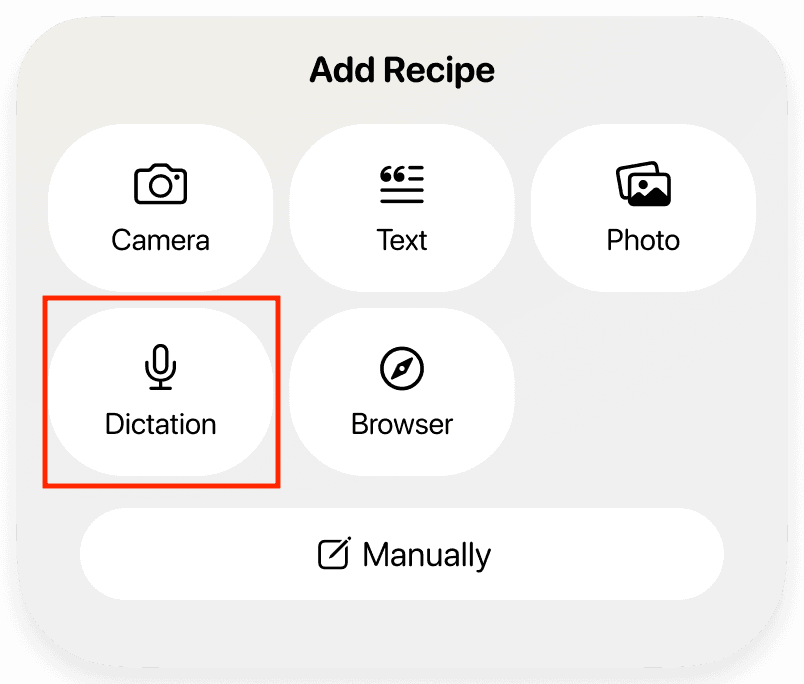
3. Select the Dictation option.
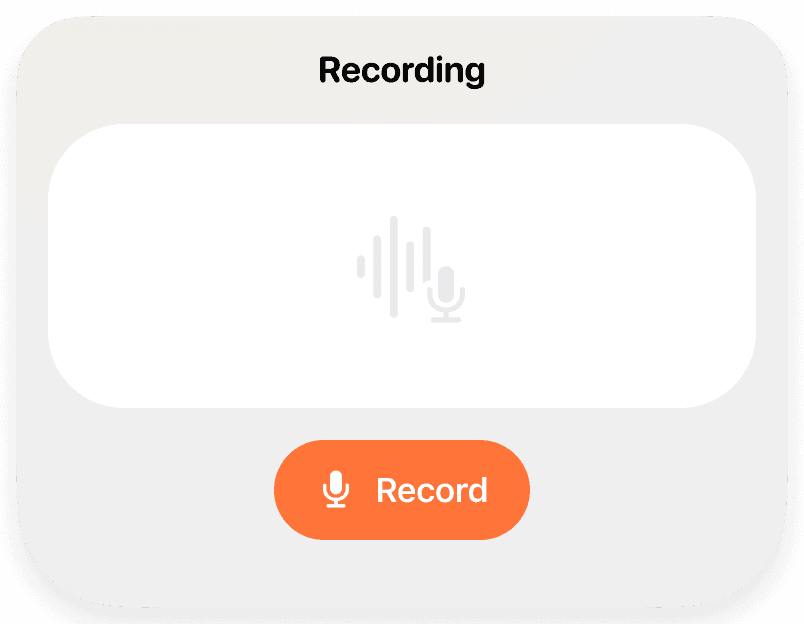
4. Tap the Record button to start recording.
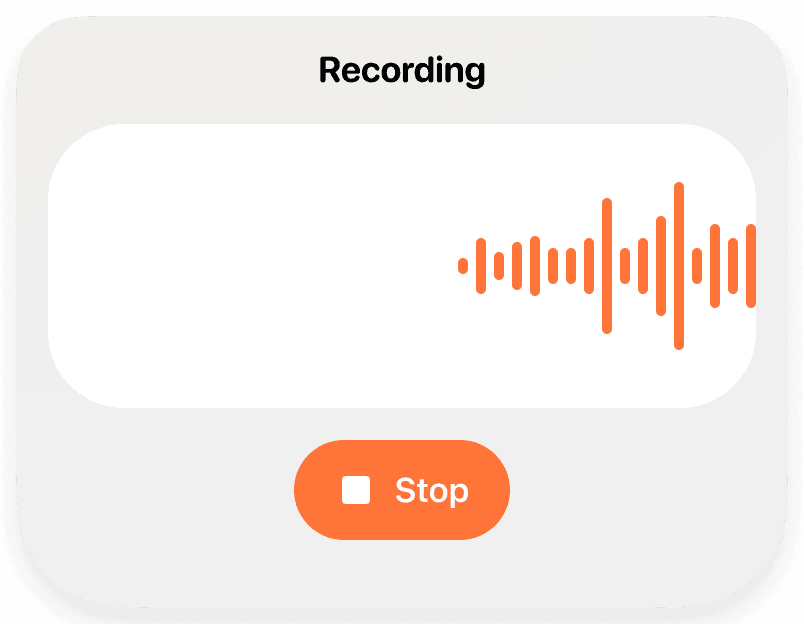
5. Speak clearly to describe the recipe, including ingredients and steps.
6. Tap the Stop button when you are finished.
7. Tap the Submit button to proceed.
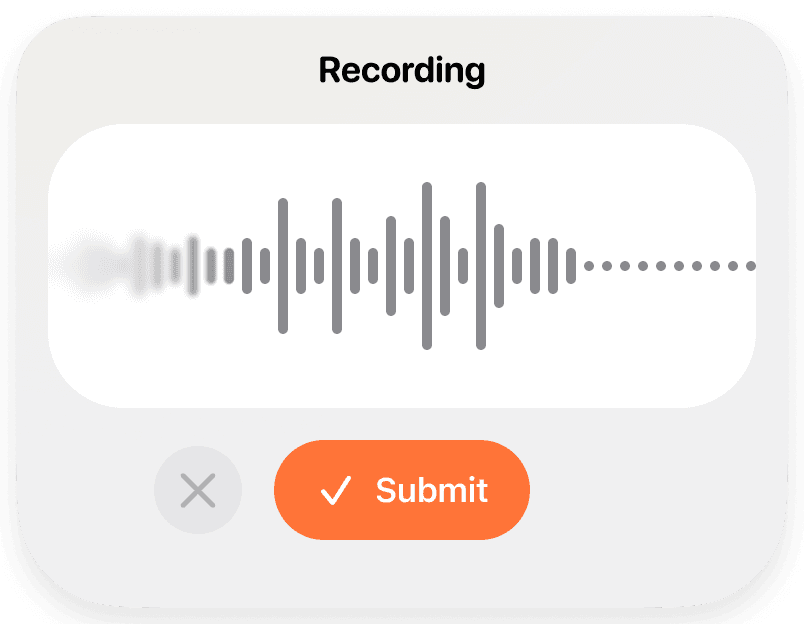
8. The App will process the recording and generate a structured recipe.