Import from Camera
You can import recipes by taking a photo directly in the App.
To import a recipe:
1. Open the Cookan AI app.
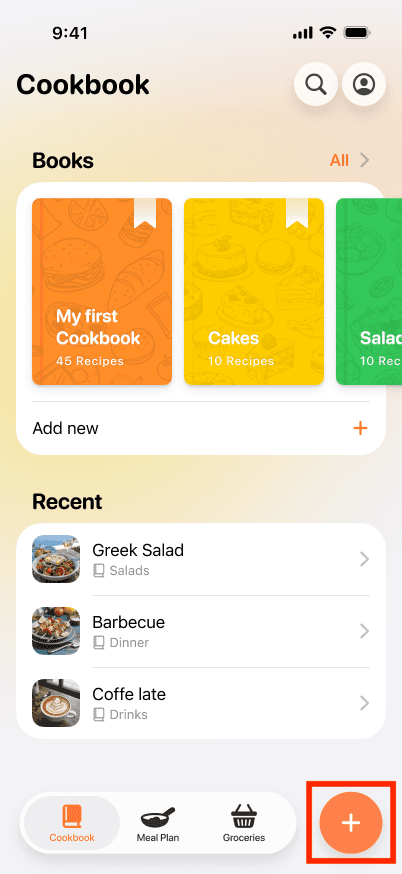
2. Tap on the + button at the bottom right.
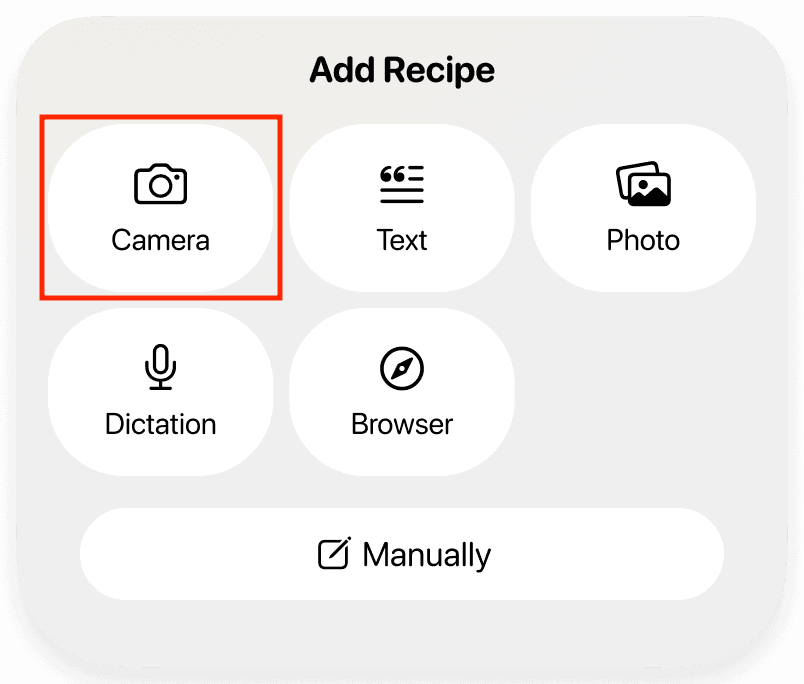
3. Select the Сamera option.
4. Take a photo or select up to three images of a dish from your gallery. The order in which you select them determines how they appear in the recipe.
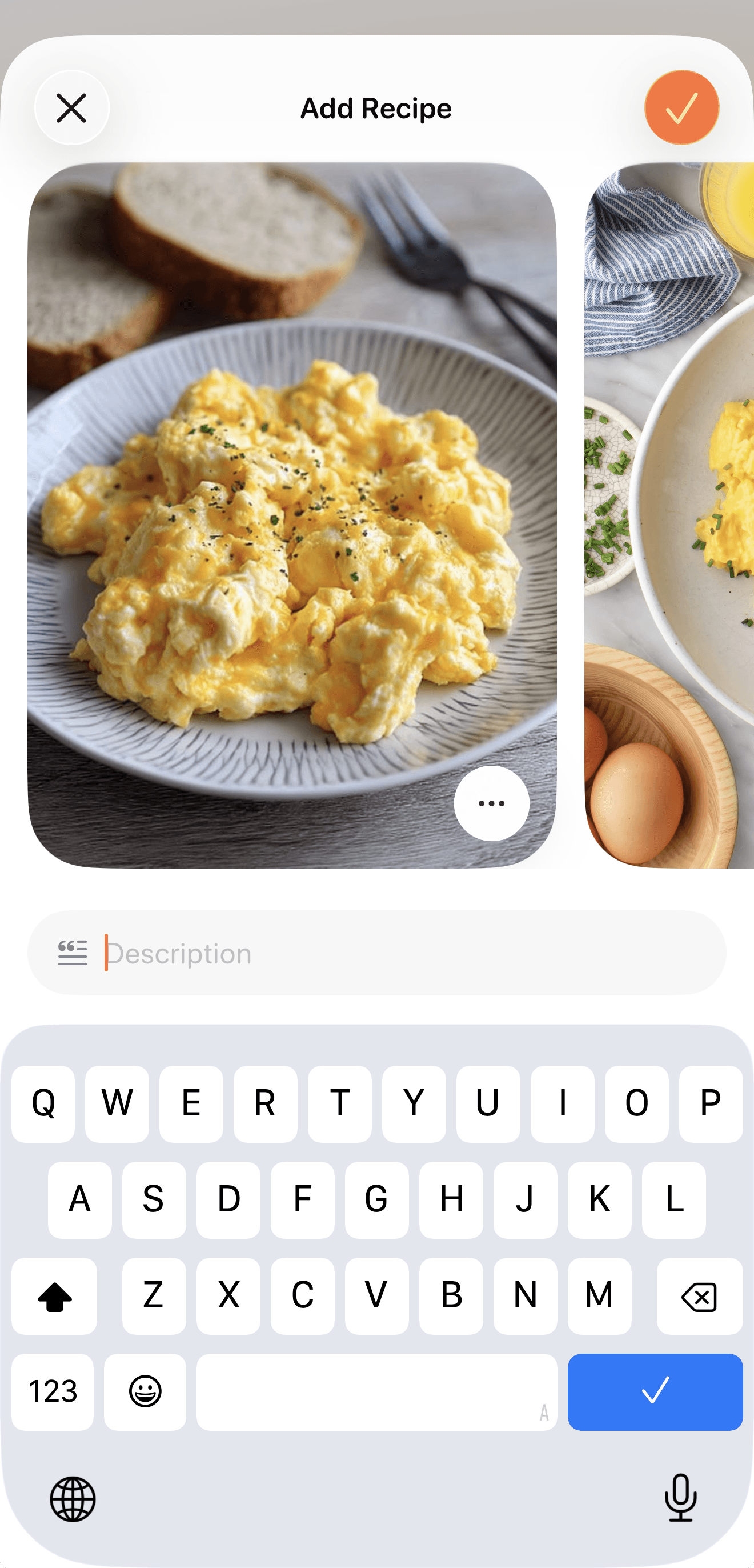
5. Add recipe description under the photos if you want to include additional information.
6. Press the ✔️ button at the top of the page to proceed with the recipe.
7. The App will process the photos and generate a structured recipe.